
So i have this little Chinese printer, an xprinter 420b. And i think if you get it first, it can be a bit hard to get it going for the first time. So here is a little guide how i have it working.
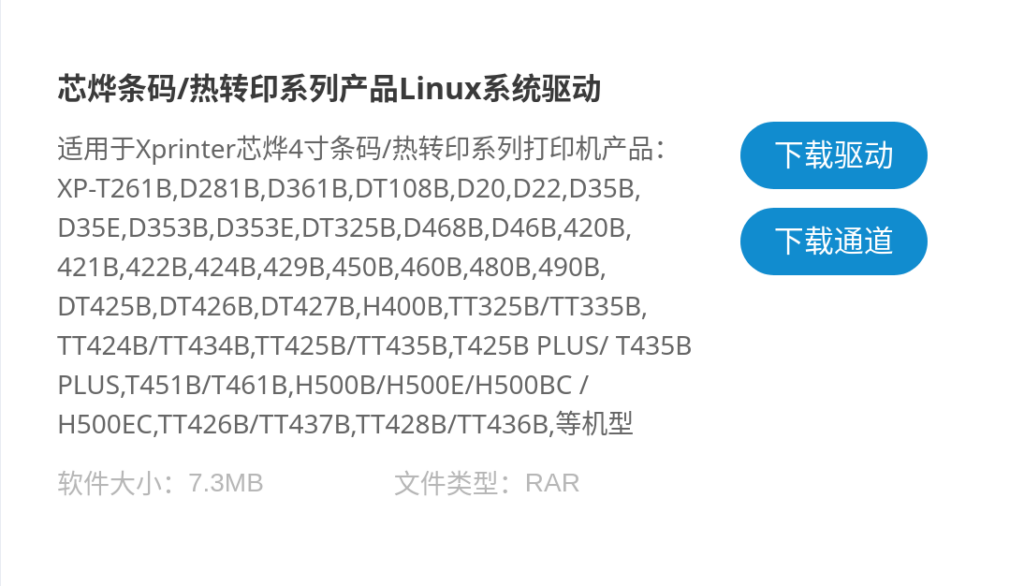
- Download the Linux driver from the xprinter website (I haven’t tried it with lprint for a while, in this guide i use the proprietary driver). It is the entry called “芯烨条码/热转印系列产品Linux系统驱动” I think both buttons work.
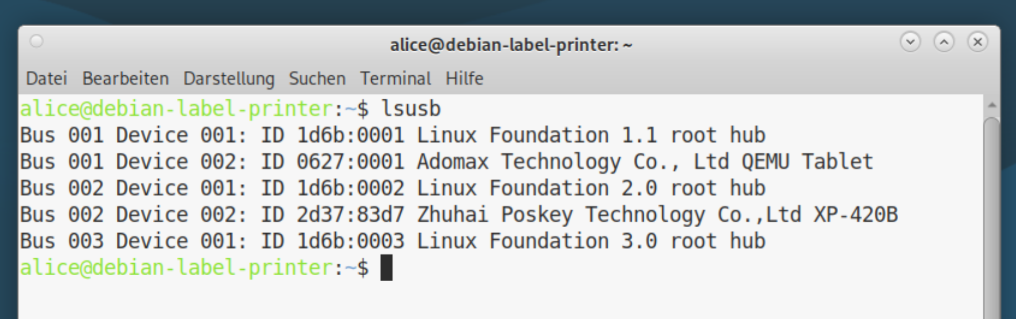
2. Connect the printer via usb.
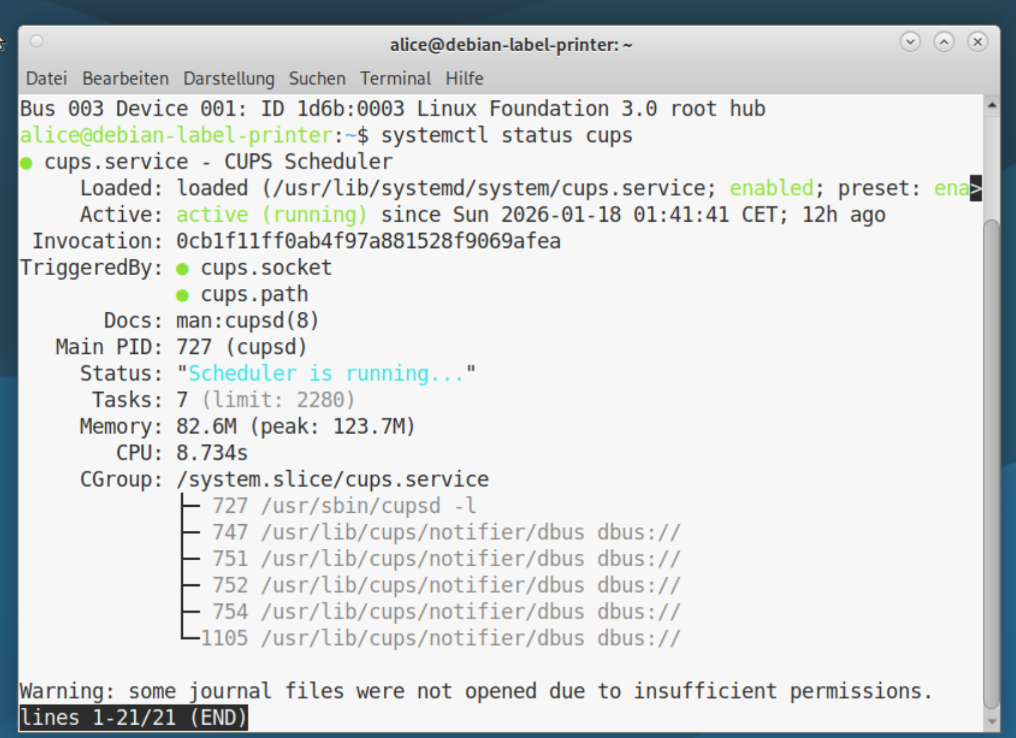
3. check if cups is running, if not start it manually with “# systemctl start cups”
4. As I want to make make it work over the network i setup cups for that:

–share-printers allows me to share the printer over network
–remote-admin allows me to access the cups web interface over the network
–remote-any allows me to print from any device in my network
5. Extract the driver from the internet so i have the debfile
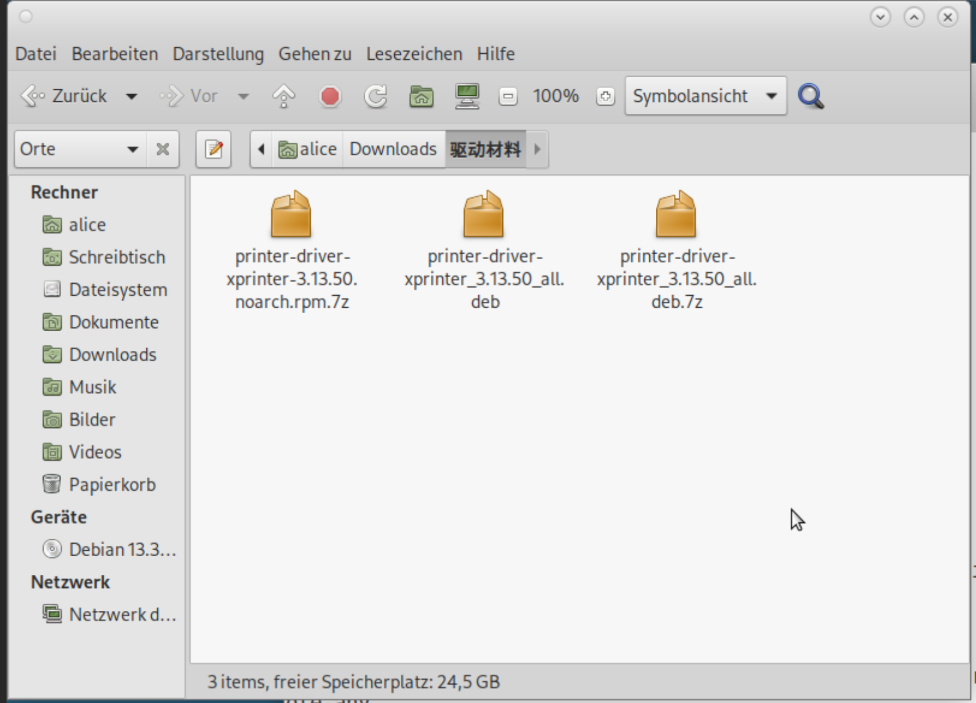
6. Install the driver

7. Setup the printer in the cups webinterface usually localhost:631
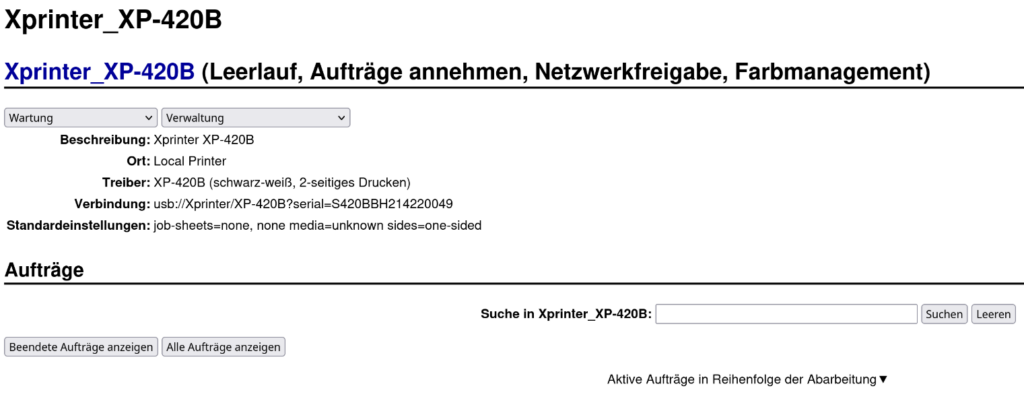
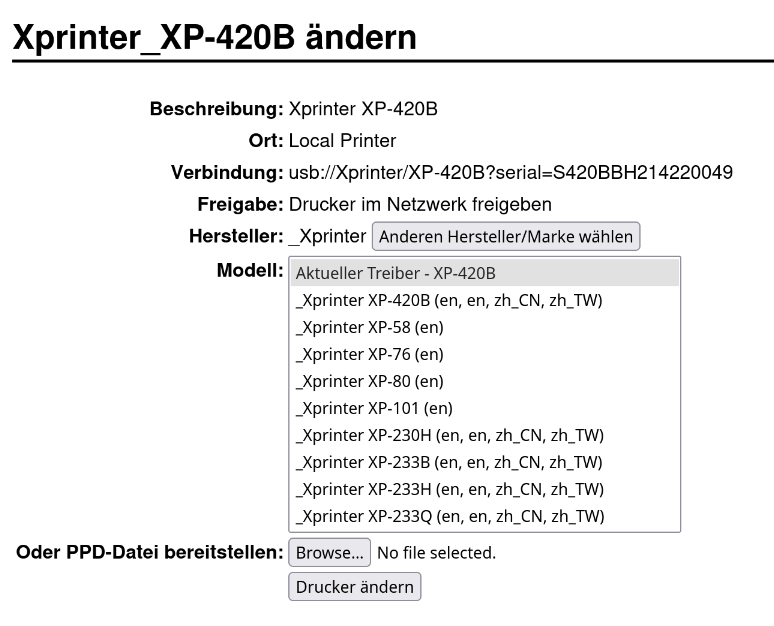
8. Select the correct model:
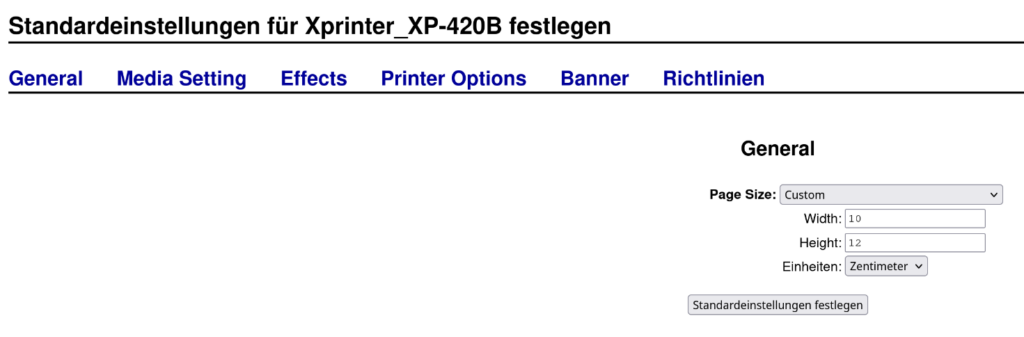
9. Change the default settings:
Make sure to set the settings to your media:
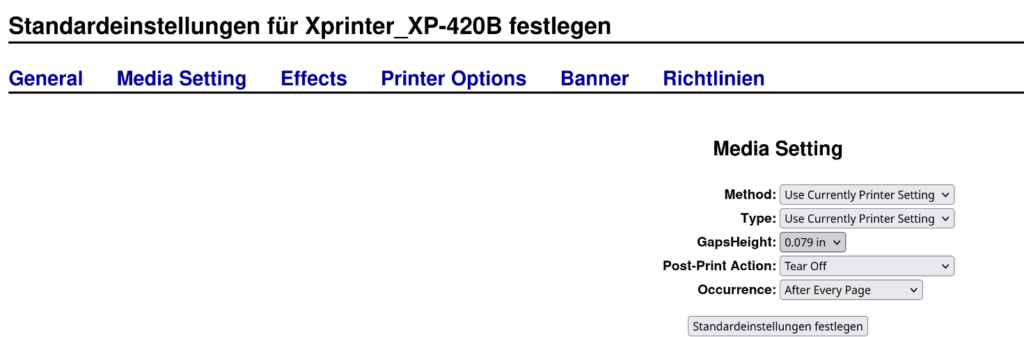
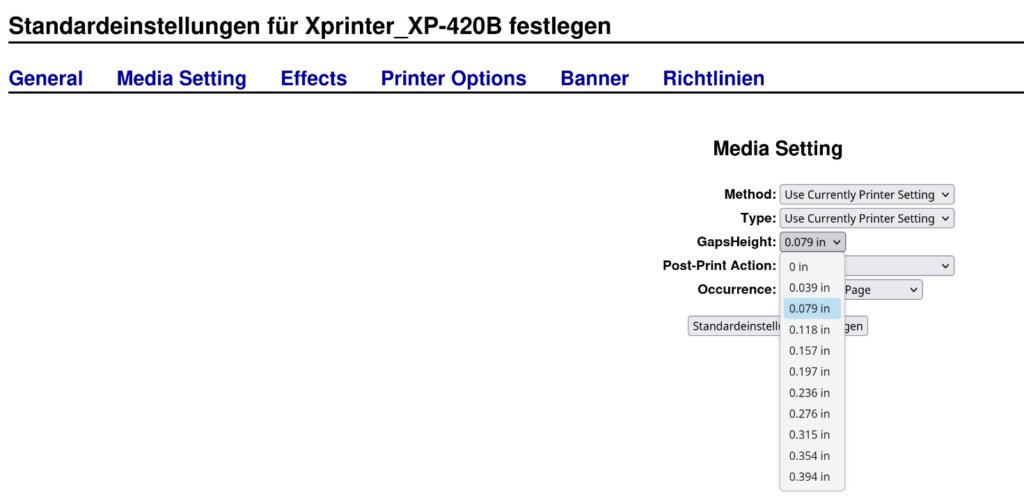
The gaps height is afaik 0mm, 1mm, 2mm etc. just written in freedom units
10. install glabels, i had trouble with inkscape in the past, glabel works pretty well for me.
make sure to create a new page format with your specifications
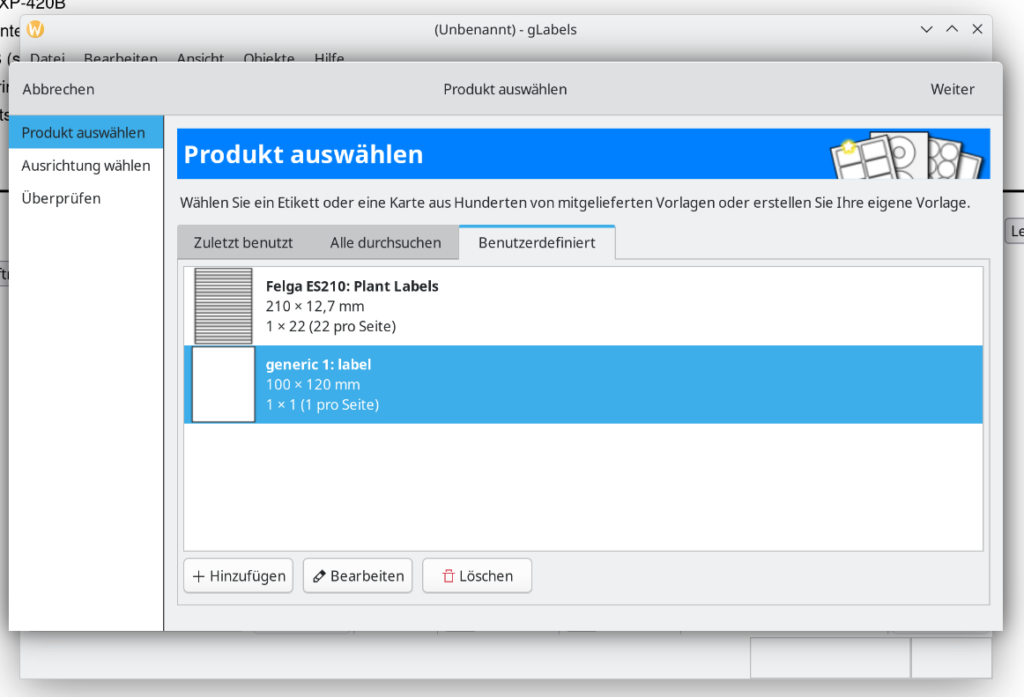
11. Create your labels and have fun.